Adding images to the portal from other sources
Need to upload a photo taken outside the app?
A reviewer may upload an image for a subject from another source into PhotoAudit+.
- Click the subject in the Media Log and click Upload Media.
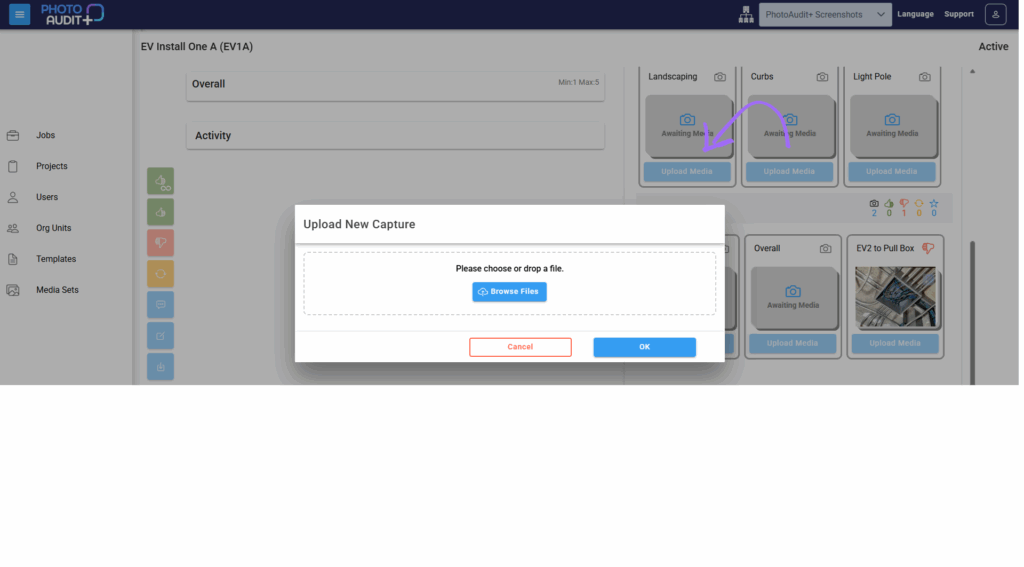
- Drop a media file in the window, or browse and select a photo.
- Click upload.
- The thumbnail for this photo will have a globe watermark (rather than a PhotoAudit+ icon) to indicate it wasn’t taken in the app.
Need support?
Can't find the answer you're looking for? Don't worry we're here to help!