How to see images awaiting review
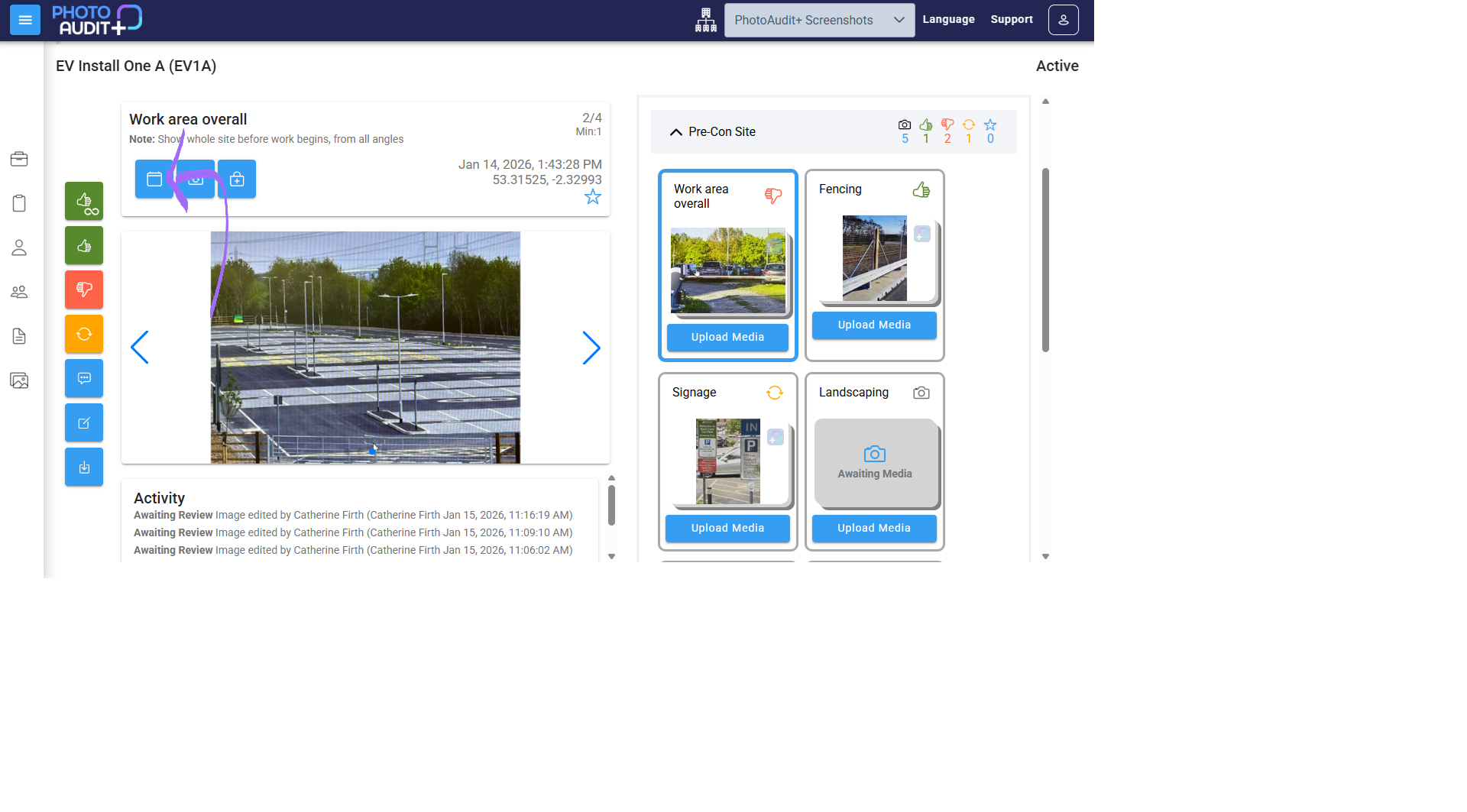
- The Star icon shows that Media is awaiting review.
- If you see a stacked thumbnail, it means multiple photos are required for that subject.
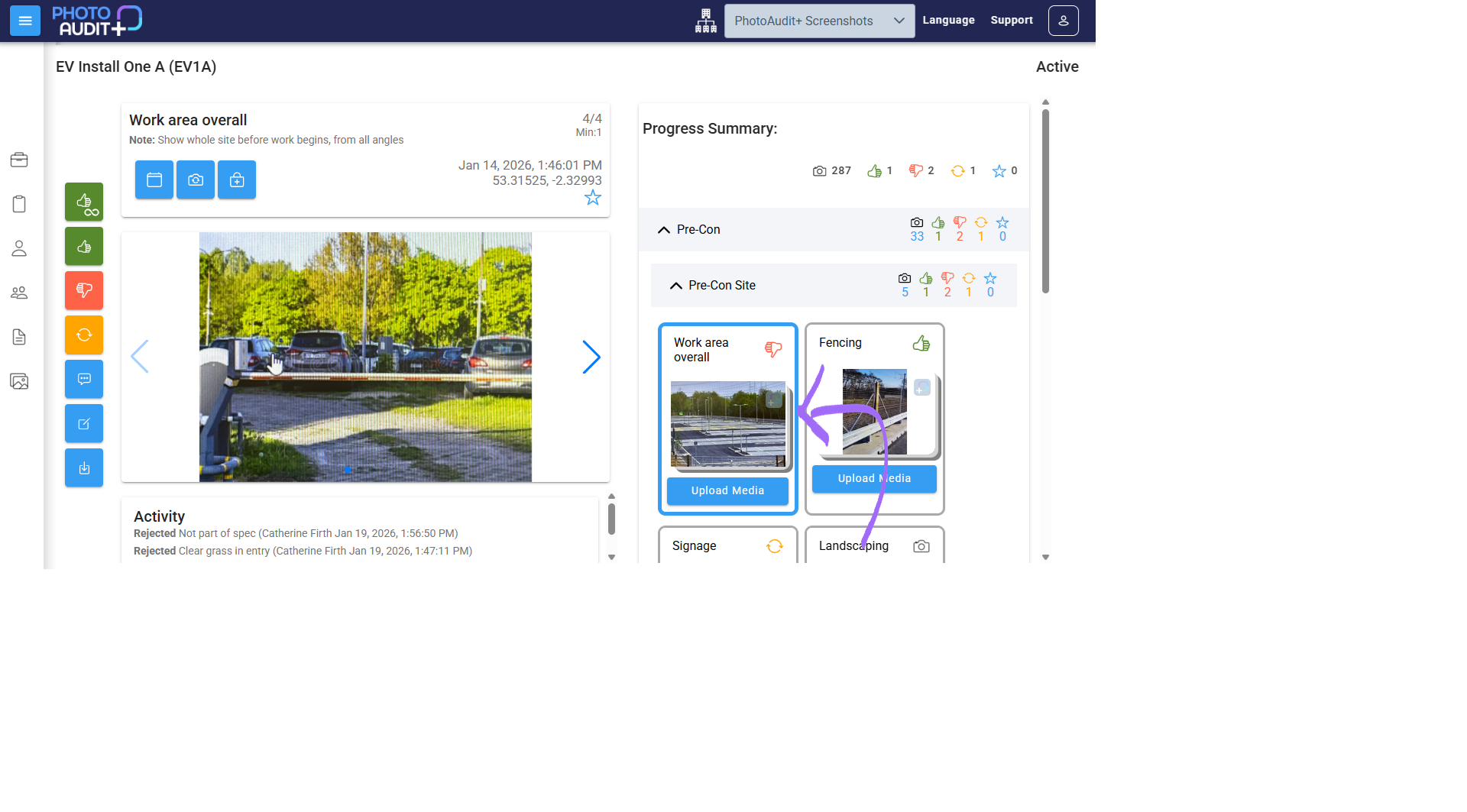
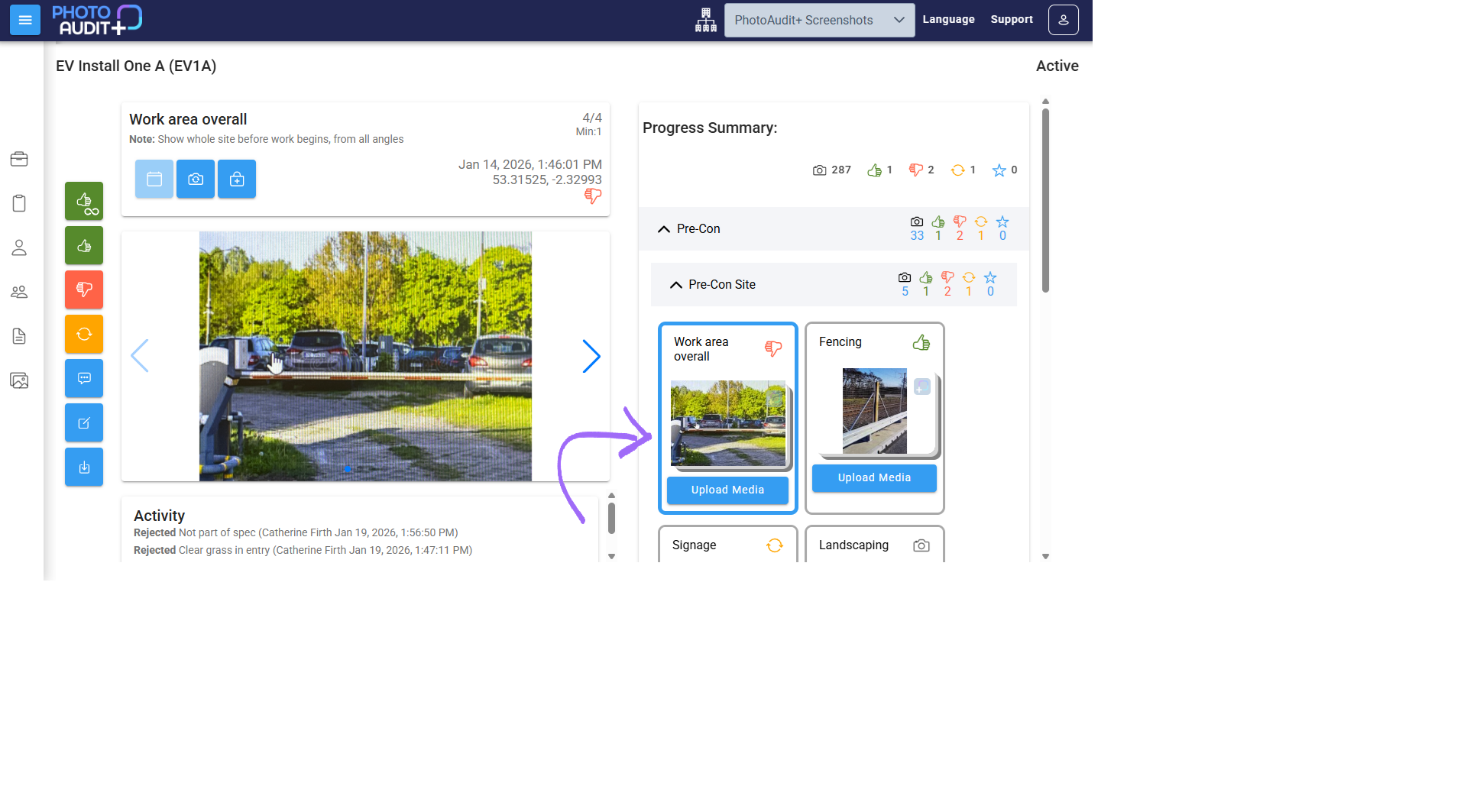
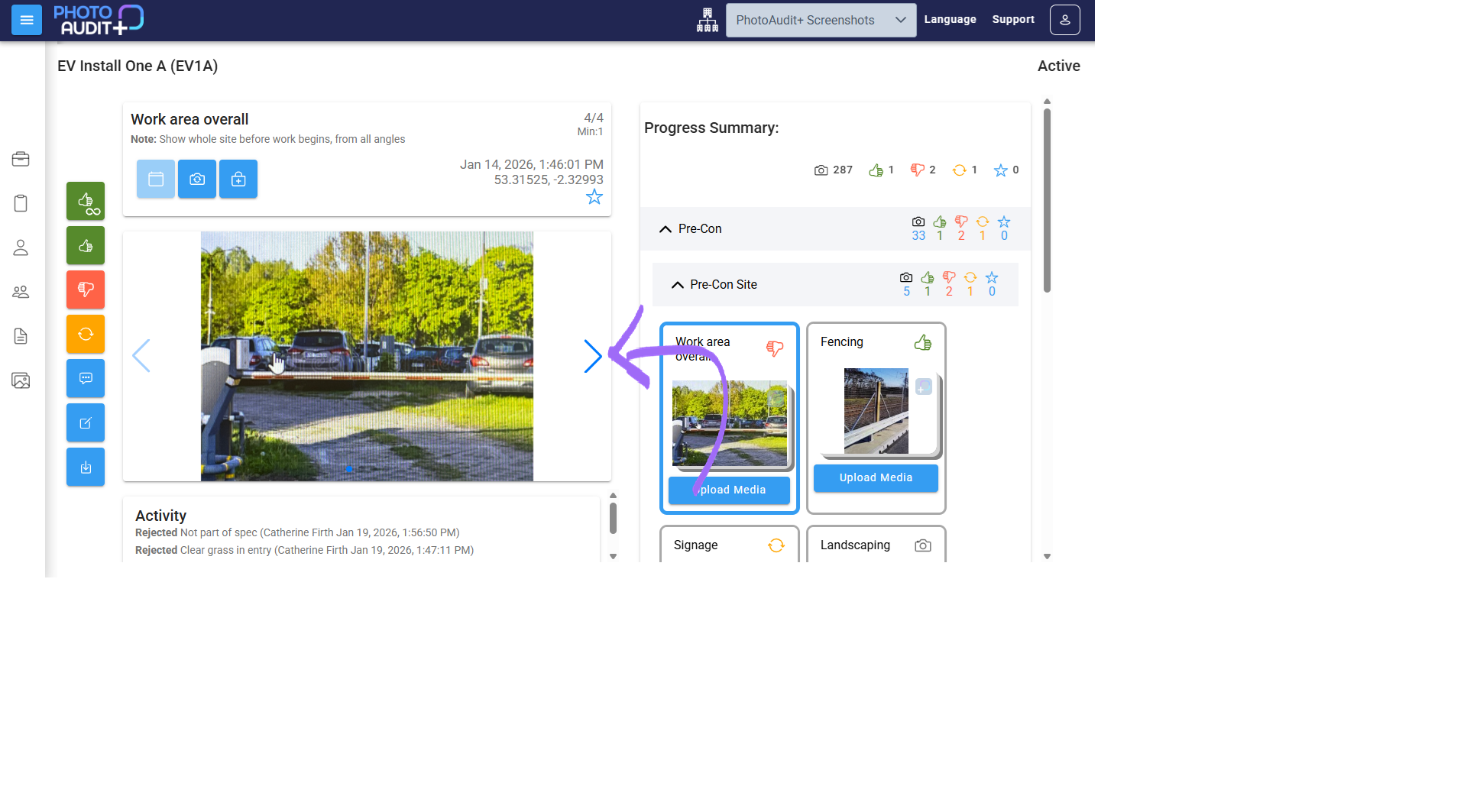
- Double-click on the thumbnail image to open Subject in the Review Pane. In the Review Pane you can use left/right arrows to scroll through photos in the series.
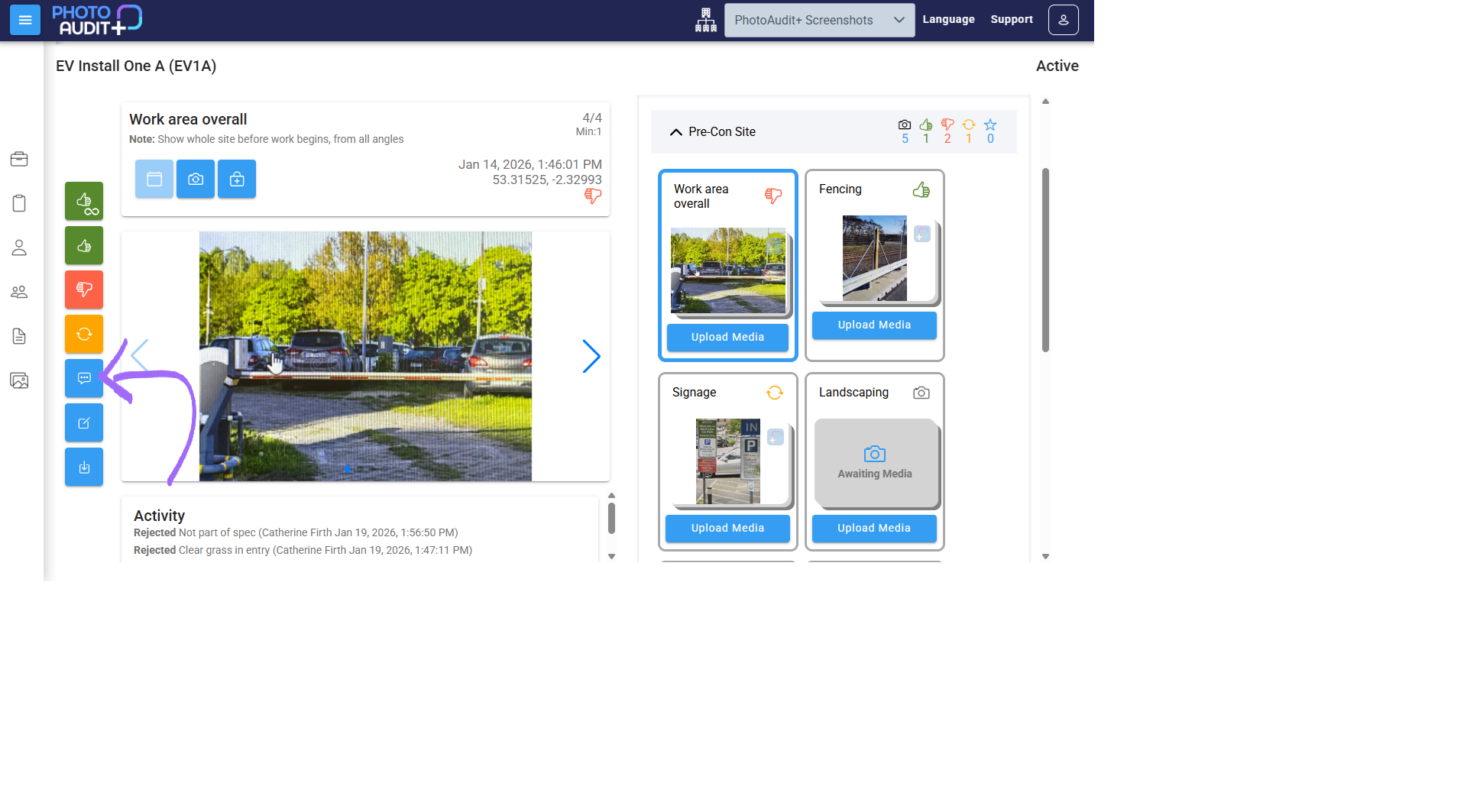
- Click the blue speech bubble to add comments.
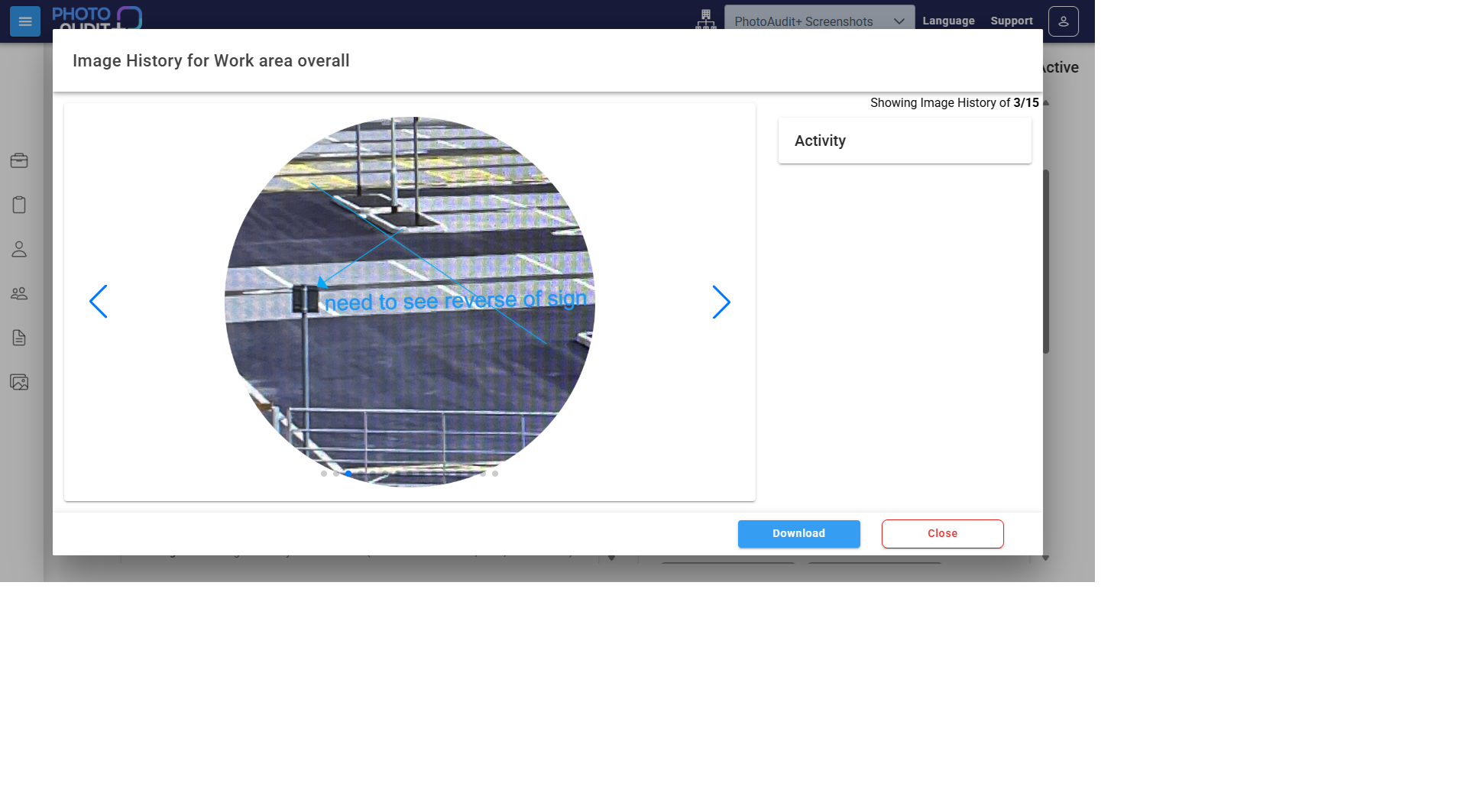
- Use the History button to view previous versions of the image.
Need support?
Can't find the answer you're looking for? Don't worry we're here to help!