Understanding the job grid
You can see a range of information in the jobs grid.
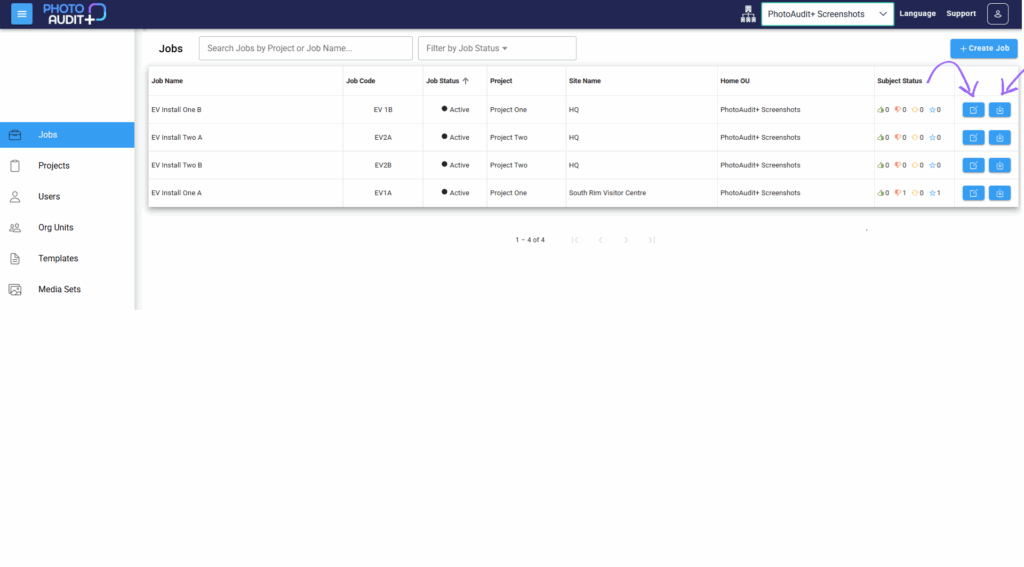
Click anywhere in the row to open the Review Portal for that Job.
Columns:
- Job Name & Job Code – unique within its home Organisational Unit.
- Job Status – the job’s current status.
- Project – name of Project that contains this Job.
- Site name – physical location of job.
- Home OU – the Home Organisational Unit of the Job.
- Subject Status– total number of Subjects with the latest status (accepted/rejected/retake/awaiting review).
- Blue Edit icon to view and manage the Job Details.
- Blue Download icon to download all the images from the Job, either as a Flat List or a Structured Download.
- Structured Download creates a Zip file organised in line with the structure of the Checklist of the Job.
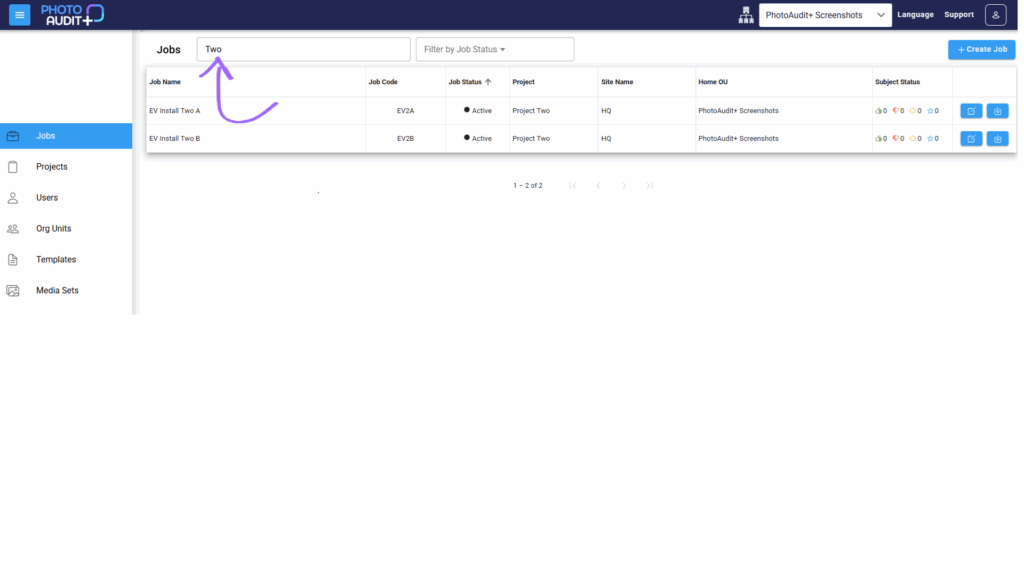
Search
- Input a search term to reduce the number of jobs shown in the table.
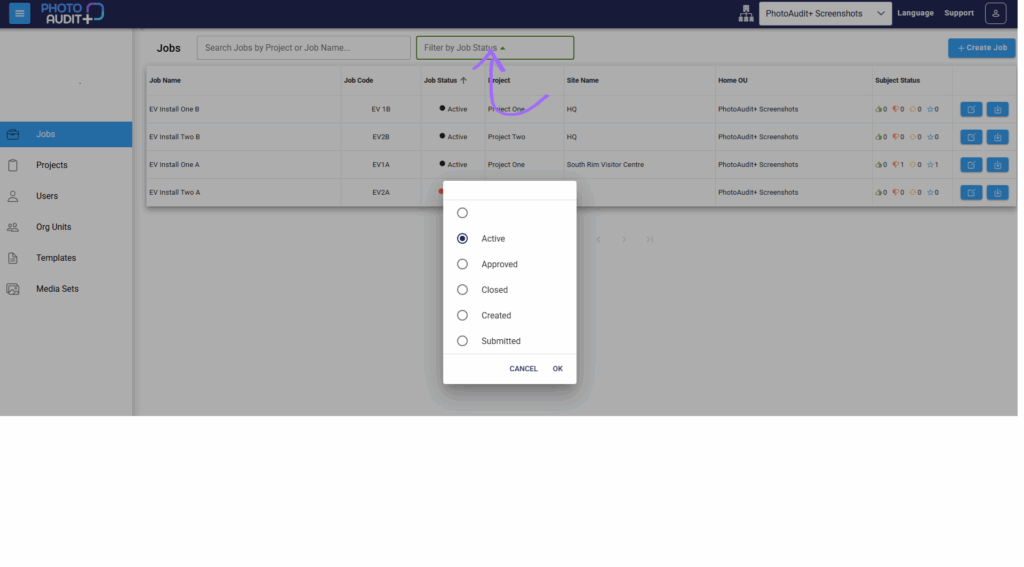
- Filter by Job Status, to show only Created/Active/Submitted/Approved/Closed Jobs.
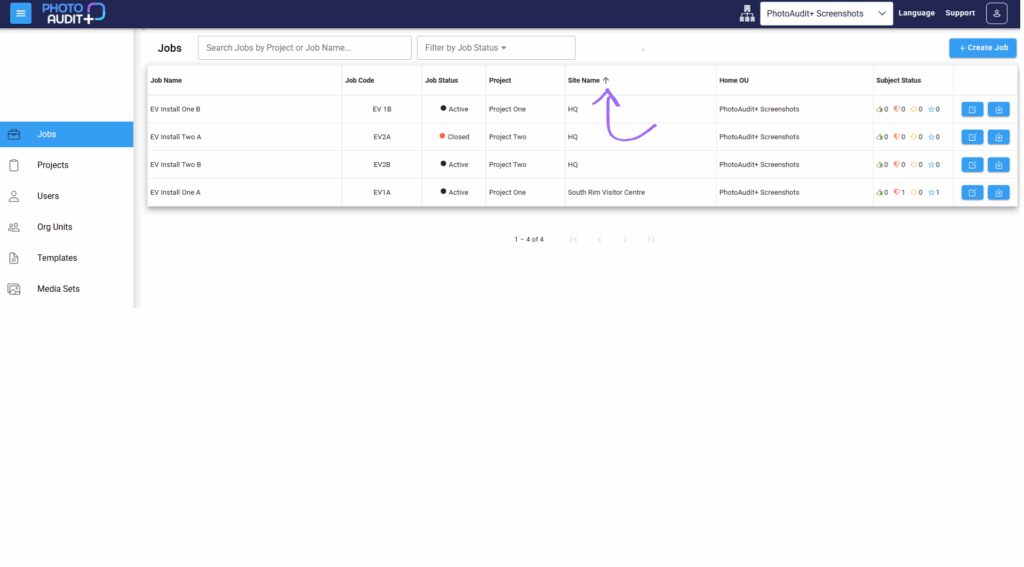
Sort
- Use up or down arrows in the column headers to sort the order of the rows visible in the grid.
Need support?
Can't find the answer you're looking for? Don't worry we're here to help!