Understand Reviewer Responses
Once your photo is submitted, a reviewer can:
- Accept the photo (thumbs up icon). If the image in question is part of a series, you may need to continue taking photos. Or Accept the whole Series (the Subject status will show a green thumbs up). No more photos are needed, even if the min number of photos has not been reached.
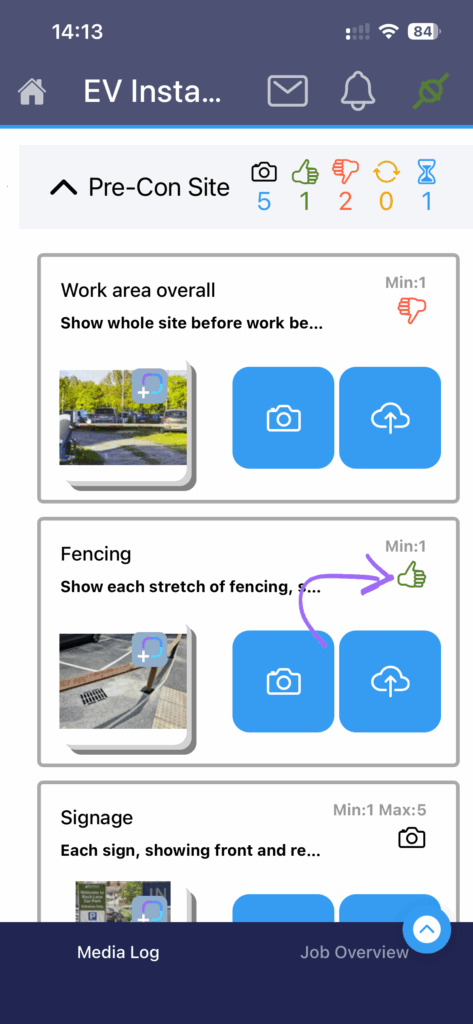
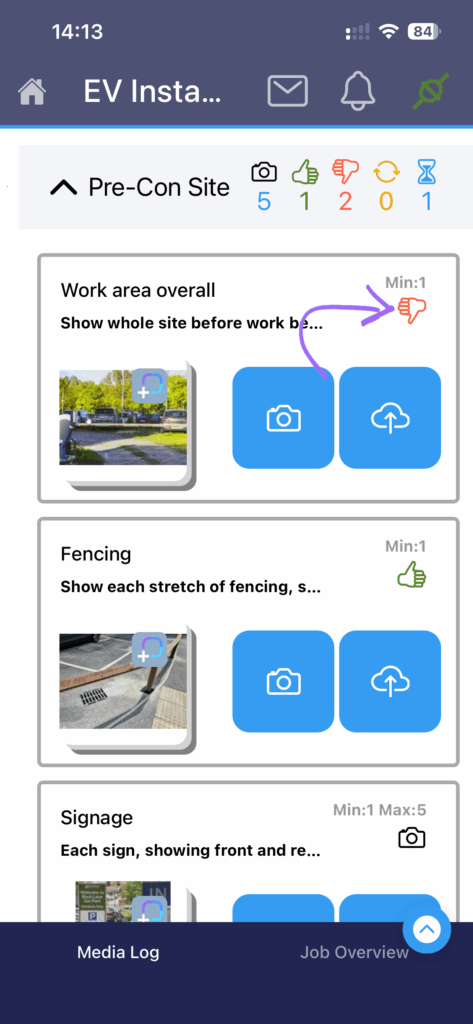
- Reject Work (thumbs down icon). There is something wrong in the work itself, or a problem is revealed by the photo. The Reviewer can provide a comment. Remedial action is required before a replacement photo is taken.
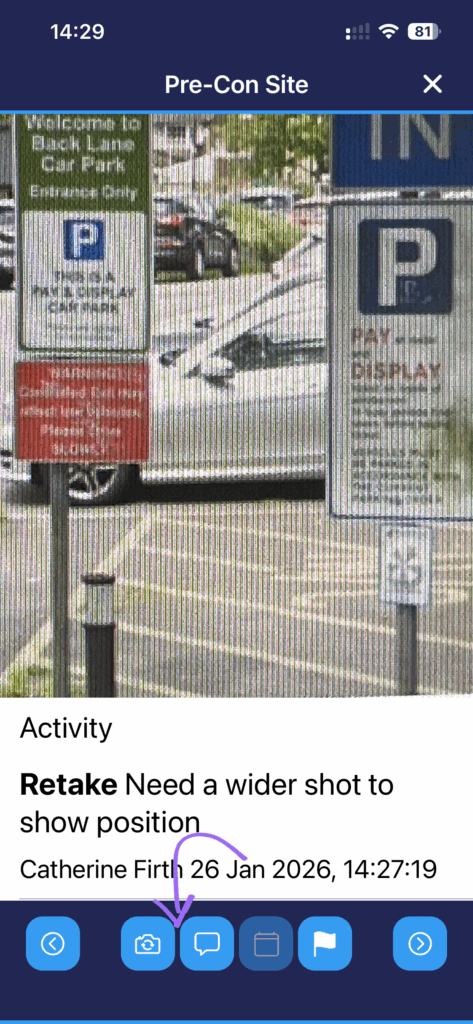
- Retake Image (round arrows) due to the content or quality of the photo. When selecting Retake Image, the reviewer is not able to accept or reject the work. The reviewer can add a comment.
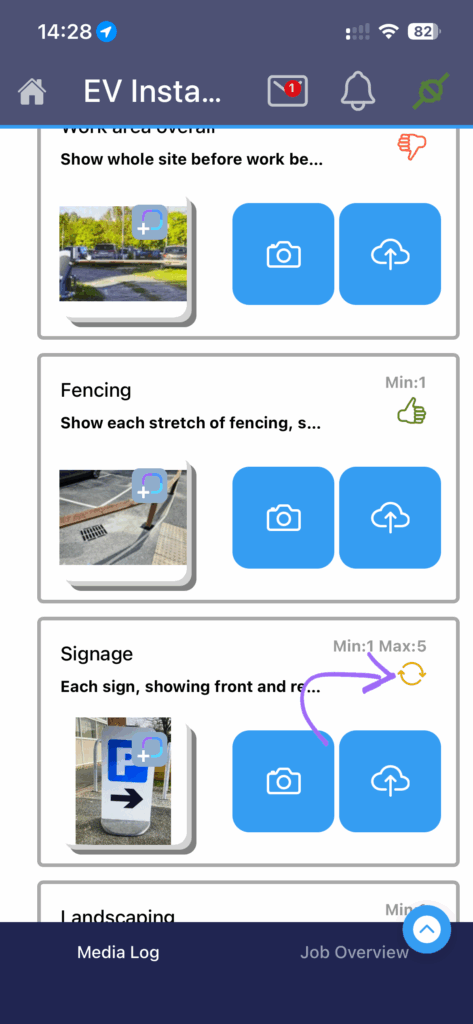
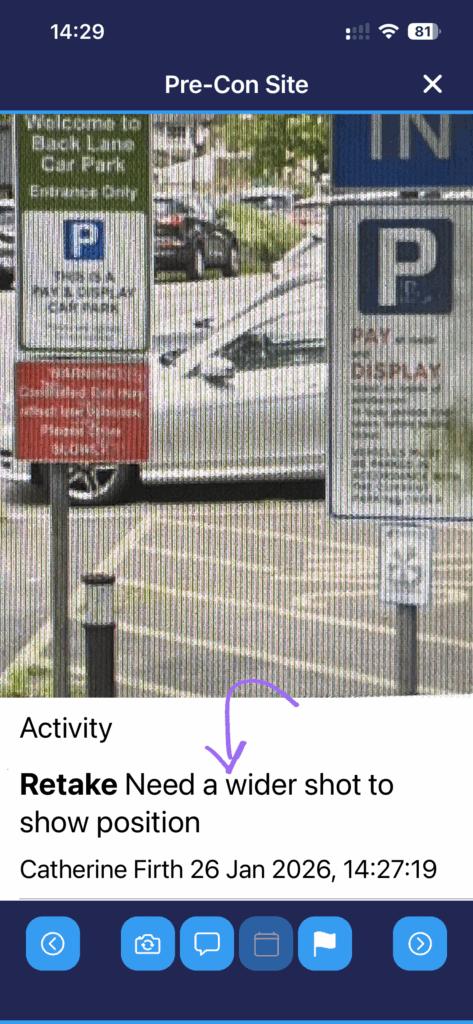
- A replacement photo is required.
- If you need to respond to the reviewer, you can add a comment by tapping the speech bubble below the photo.
- To retake a photo that has Reject or Retake status, go to Media View, find the photo that needs replacing and tap the retake button (camera with round arrows).
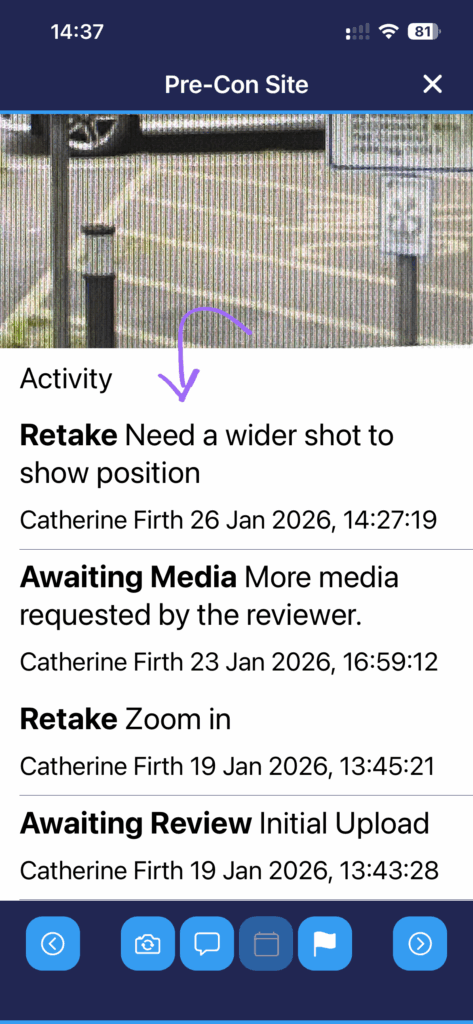
- Tap on a photo and in Media View you can explore Activity. This includes reviewer responses and any comments added by the onsite worker or reviewer.
Need support?
Can't find the answer you're looking for? Don't worry we're here to help!