
Need to upload a photo taken outside the app?
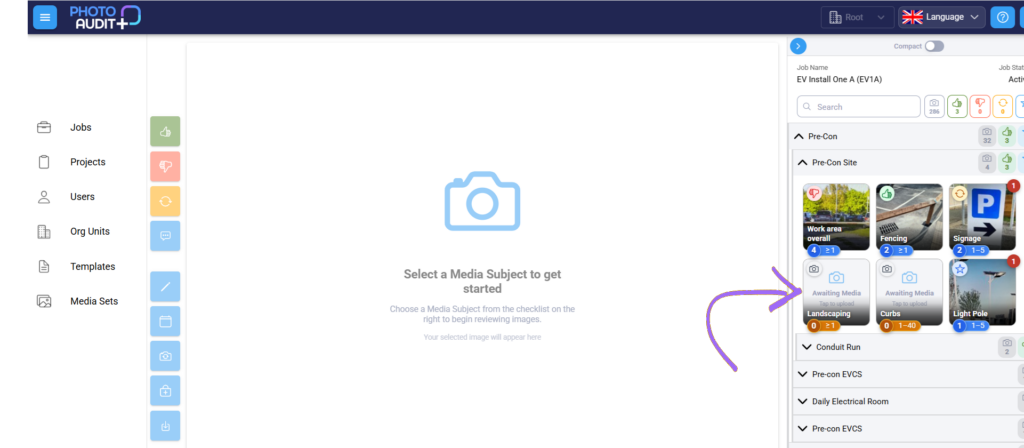
A Reviewer may upload an image for a subject from another source into PhotoAudit+.
- Click the Subject in the Checklist and click Upload Media.
- Drop a media file in the window, or browse and select a photo.
- Click Upload.
- The thumbnail for this photo will have a globe watermark (rather than a PhotoAudit+ icon) to indicate it wasn’t taken in the app.