
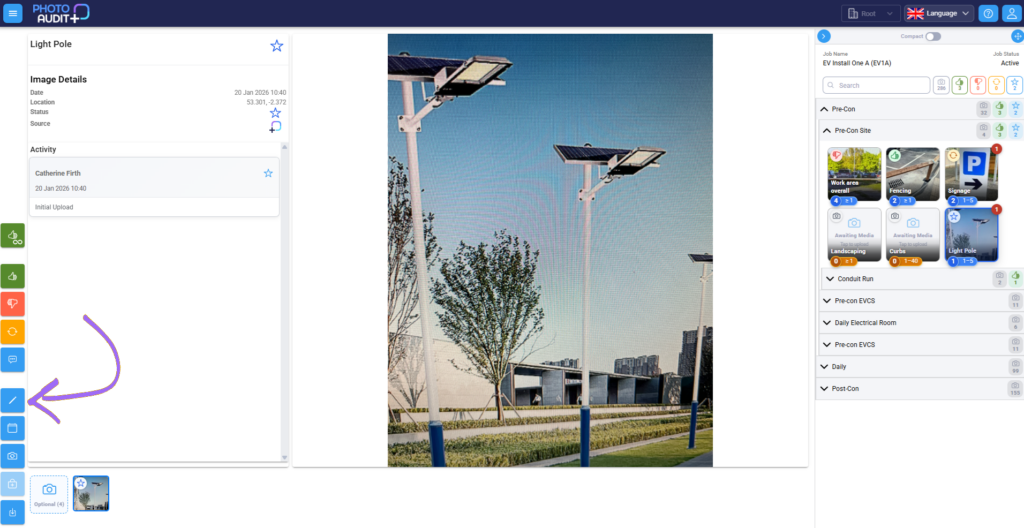
- Open the image in the Review Pane.
- Click the blue pencil icon to open the Edit pane.
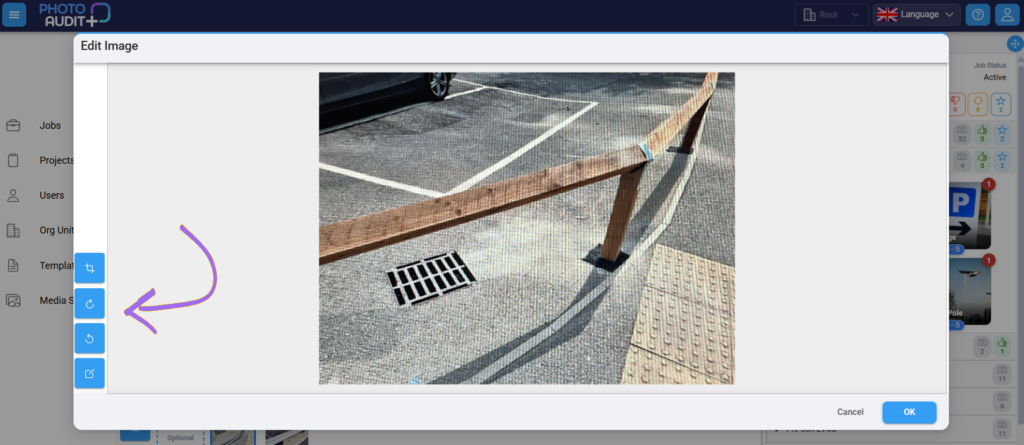
- Click buttons to rotate, crop, or annotate the image.
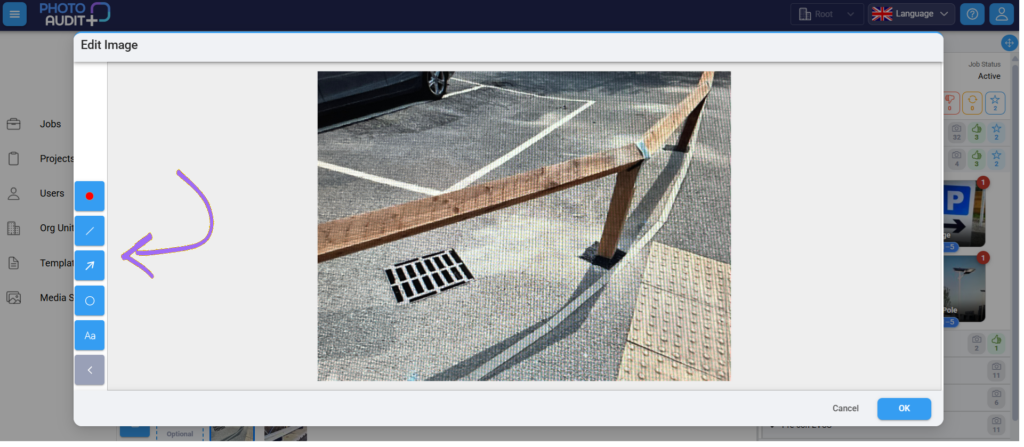
- Use the Drawing tools to annotate (lines, arrows, circles text, etc) and click OK.
- New version is the latest in the history of that image.