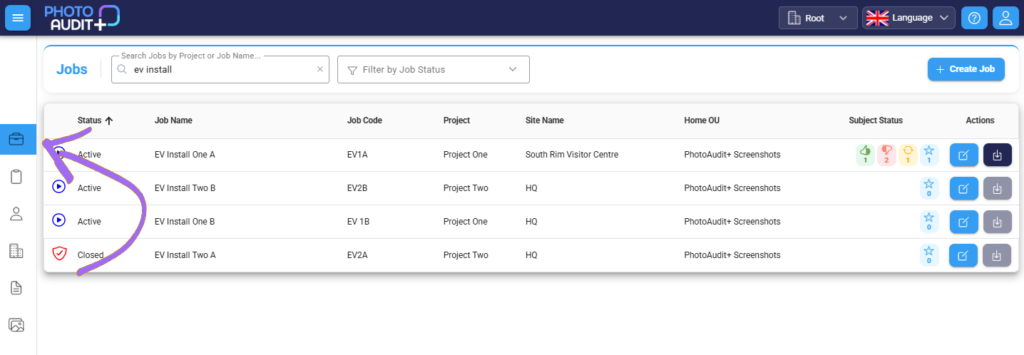
- To open the Review Portal and review and respond to images from the field, click anywhere in the row of your chosen Job.
- If you have an Admin or Manager role, click on the blue edit button on the right to review and edit the Admin information for that Job.