
- In Camera preview, you will see a panel at the bottom of the screen
- You can drag it down to show just the Subject Name, status and the Series Complete double tick button.
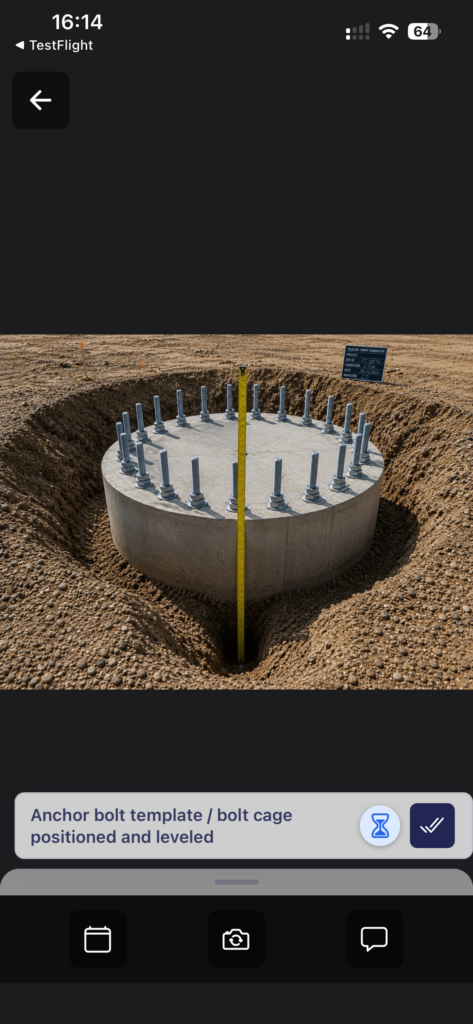
- Or drag it up to show the carousel of images for the Subject
- It also shows the Status of the Subject, the min-max number of images, the Subject Notes
- Or drag it up to show the carousel of images for the Subject
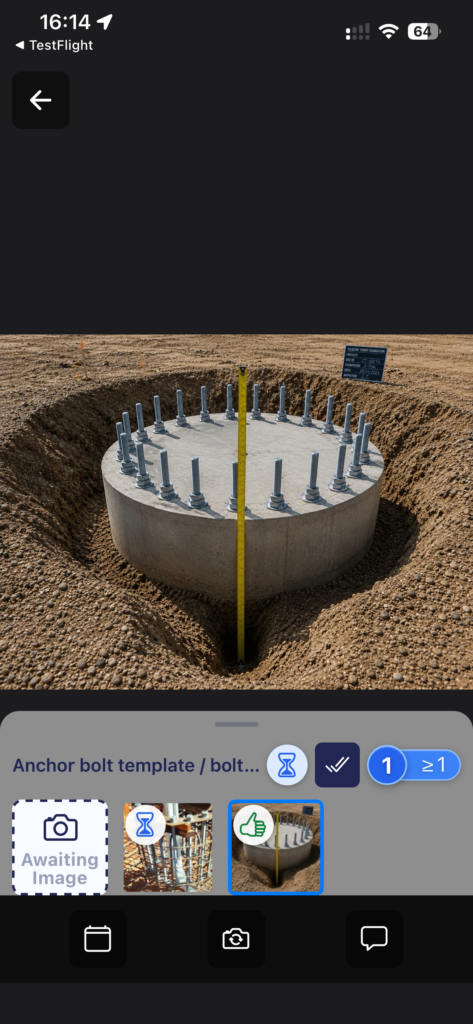
- If you tap on an image in the carrousel, it opens in image preview