
The Checklist is a structured specification for all the photos required.
- When you open a job from My Jobs, you will see the Checklist, with its structure of Media Sets (your photos and files). The first time you open a Job, you will first see the Details area, before swiping left to see the Checklist.
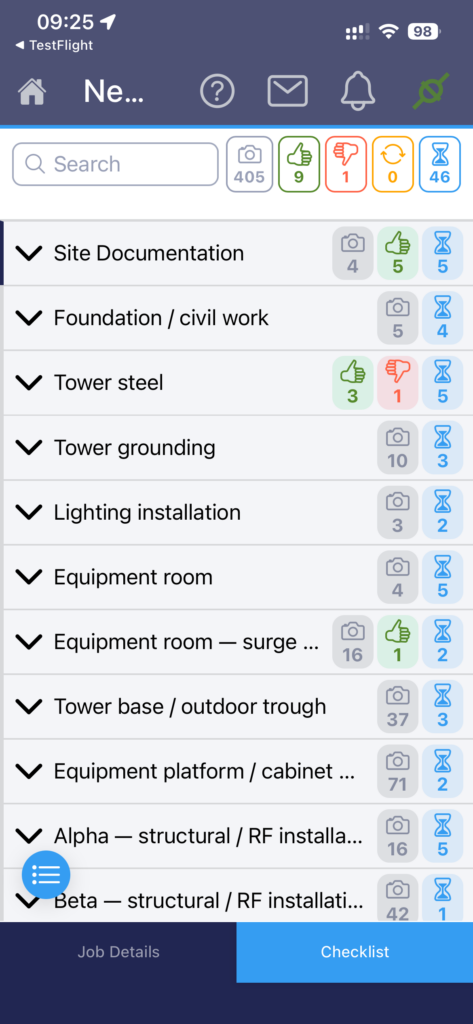
- Tap the arrow beside a Media Set to expand/collapse it.
- Tap the blue list/thumbnail button at the bottom of the screen to switch between ‘compact’ mode, where subjects are just listed, or ‘thumbnail’ mode, where a small image for that Subject is shown for visual identification.
- Within a Media Set there will be Subjects and/or further Media Sets which can be expanded.
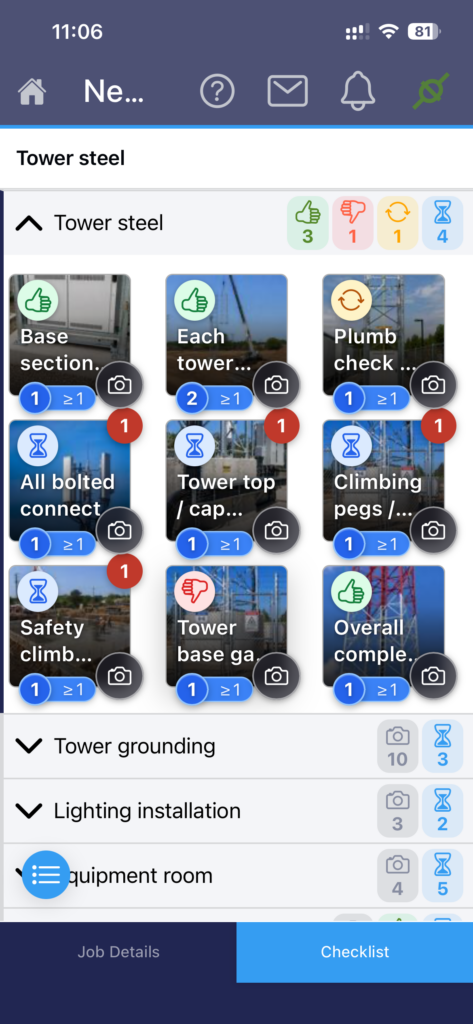
- Subjects are listed individually, each with a title, the min and max number of images required, and possibly a note.
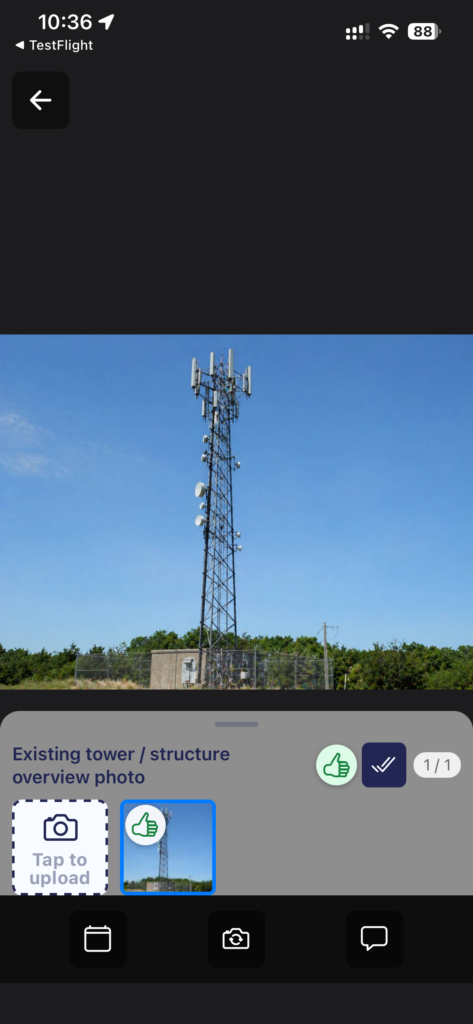
- Tap on the thumbnail of your chosen Subject, to start taking photos.