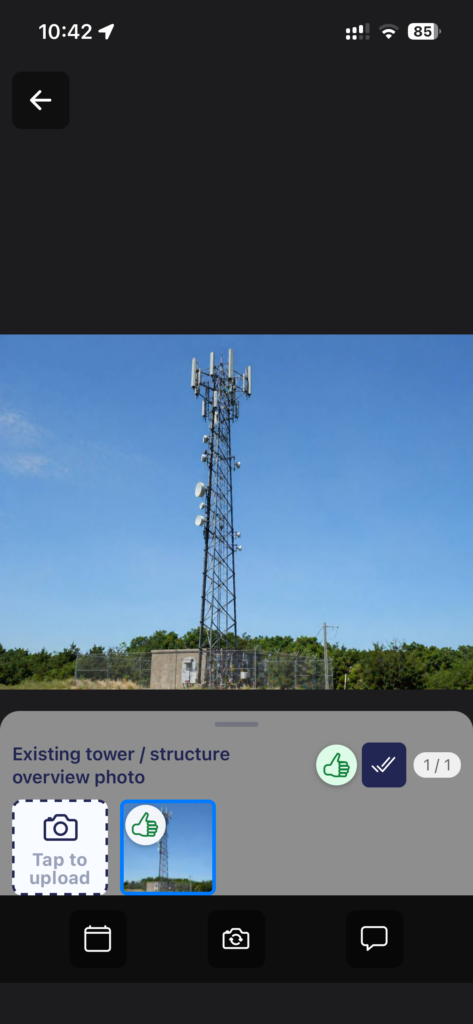
- Some Subjects may or may not require a series of photos, depending on the real-life situation. Once you’ve taken everything needed (whether or not you have reached the minimum number of photos needed) tap the double tick icon to mark as Series Complete.
- A Subject with a Min number of 0 required images, is optional. If you consider that no photos are needed on this occasion, select the double tick Series Complete button.
- From the Camera preview, with the carousel panel shown, there is a double tick button to choose Series Complete.
- When an image is open in Image Preview, click the double tick button to choose Series Complete.
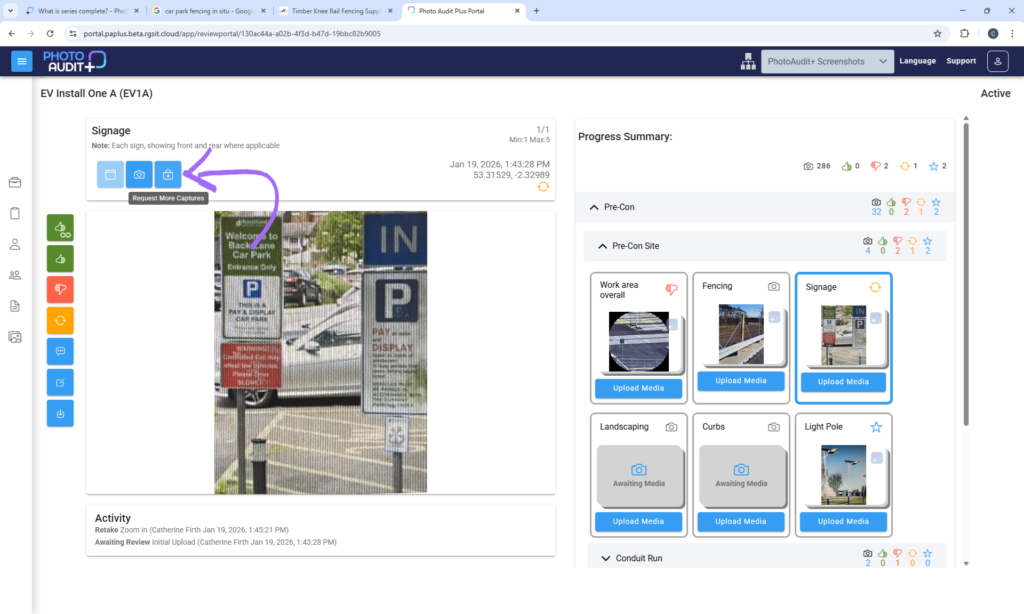
- The reviewer will decide if more photos are needed, or if the series is done.The camera icon (Awaiting Media) will reappear to take more photos.