
Understanding the checklist & media set
- Click a Job in the Jobs grid to open the Reviewer Portal.
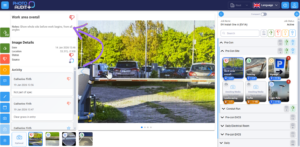
- Each Job has a Checklist panel on the left. This shows images that require your attention and how the on-site team are progressing through the checklist of required images.
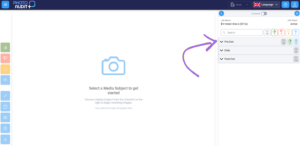
- Media Sets are groups of photos or files for a specific area or task.
- You can expand/collapse each Media Set in the Review Portal by clicking the arrow next to its name.
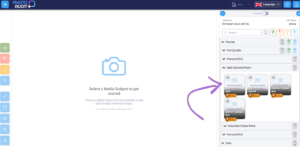
- Media Sets include ‘child’ Media Sets (sub-groups) and/or Subjects (individual photo requirements).
- Each Subject may also include Notes to help explain what’s needed.
0