
How to see images awaiting review
- Click on your chosen Job in the grid to open the Reviewer Portal, and see Checklist panel on the left.
- The Star icon shows that Media is awaiting review.
- Click on your chosen Media Set to view Subjects.
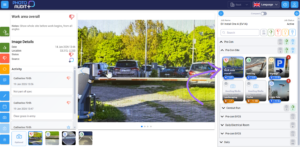
- Double-click on the thumbnail image to open Subject in the Review Pane.
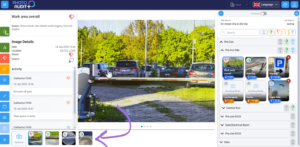
- Where a Series contains more than one Image, see the Caroussel at the bottom of the the Review Pane.
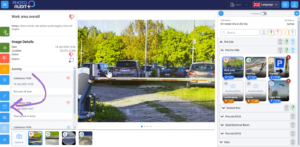
- Use the History button to view previous versions of the image.
0